
| Step 1: |
|---|
| Connect your APM device into the computer via the recommended USB cable. |
| Step 2: | |
|---|---|
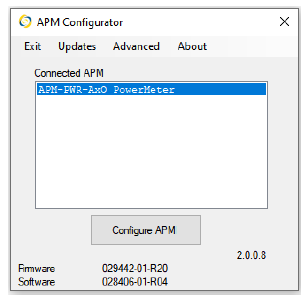
| The APM model will show in the APM configurator screen. |
|
| Step 3: | |
|---|---|
|
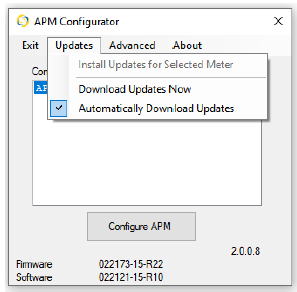
Check for updates for your specific model.
|
|
| Step 4: |
|---|
| Let the updates complete and then click on Configure APM. |