
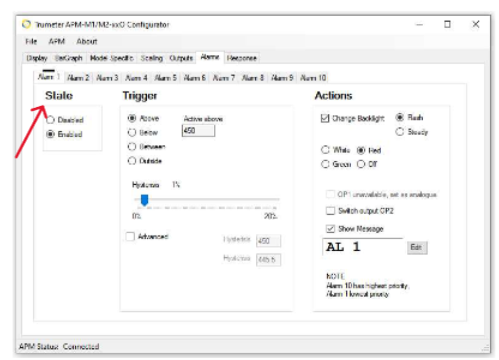
| State | |
|---|---|
|
Select the Enable Alarm box to set up the alarm. |
|
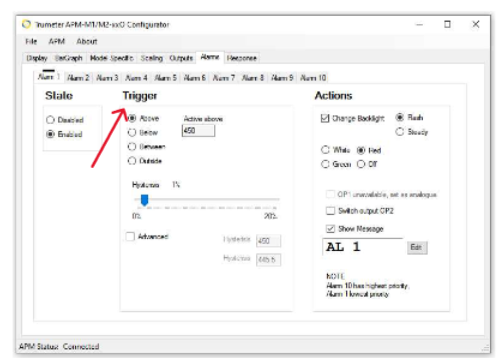
| Trigger | |
|---|---|
|
Use this section to set up the measurement values to trigger the Alarm:
|
|
| Actions | |
|---|---|
|
Here you can change the backlight options of the display on an Alarm: (Image A)
|
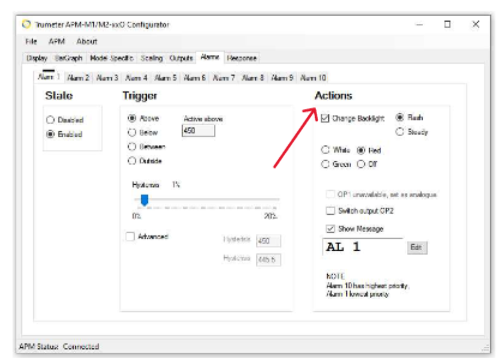 Image A Image A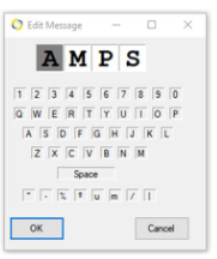 Image B Image B |
Note: Alarm 10 has the highest priority and Alarm 1 has the lowest priority.