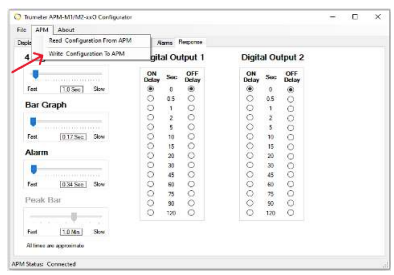
| Write the Configuration to the APM | |
|---|---|
Once you are finished with your configuration settings, you must write the program to the APM.
|
|
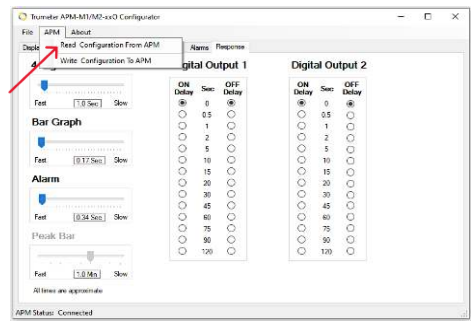
| Read the Configuration of an Already Programmed APM | |
|---|---|
This is useful when you purchase the same type of APM, and you want the load the same configuration as your current APM.
|
|
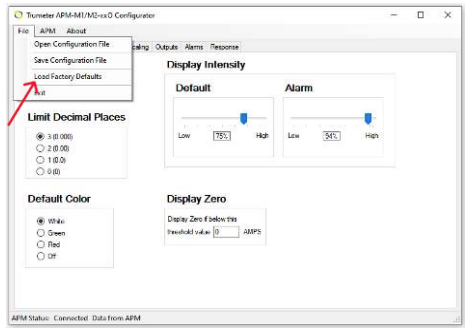
| Open, Save and Load Factory Defaults | |
|---|---|
The APM configurator allows for the saving and opening of your custom configuration files.
|
|