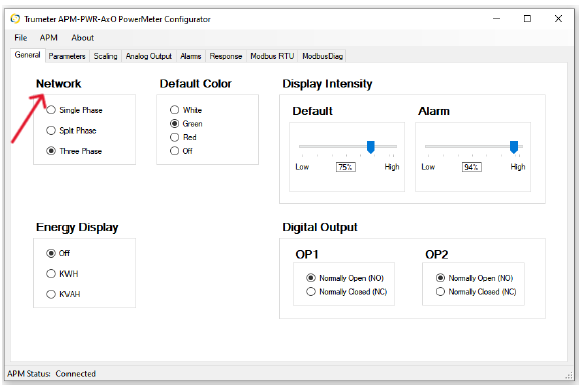
| Network | |
|---|---|
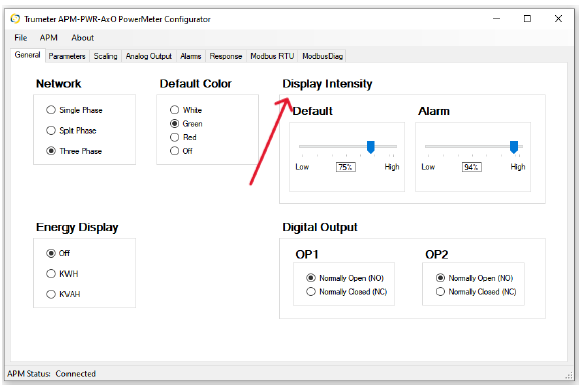
Select the network type you wish to measure:
|
|
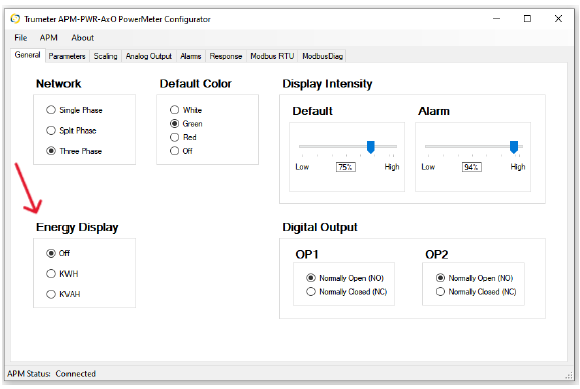
| Energy Display | |
|---|---|
Turn on total KWH or KVAH to show on the bottom of the display:
|
|
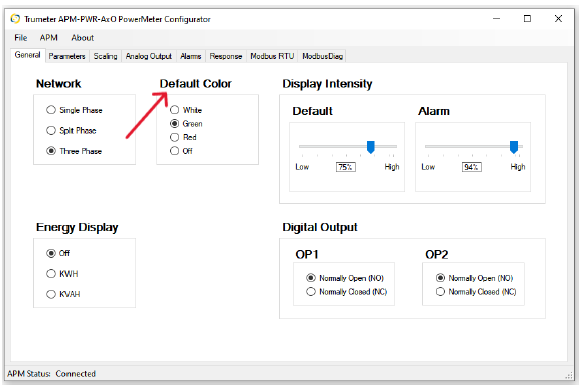
| Default Color | |
|---|---|
Set the default background color of the display:
|
|
| Display Intensity | |
|---|---|
Set the brightness of the display when operating under normal conditions and during a preset alarm condition. |
|
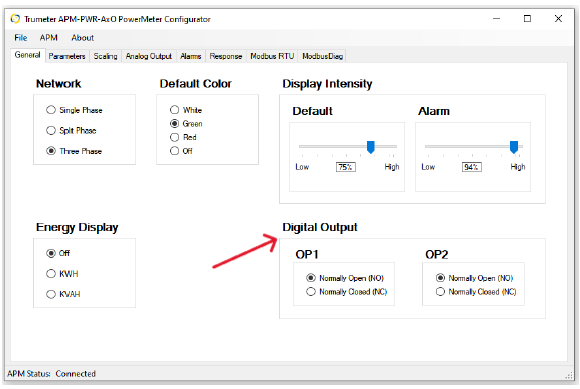
| Digital Output – OP1 and OP2 | |
|---|---|
|
|