Select Configure Inputs and Outputs on the settings screen. The following screen will appear.
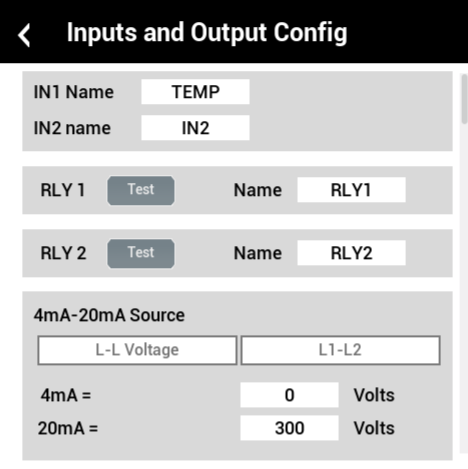
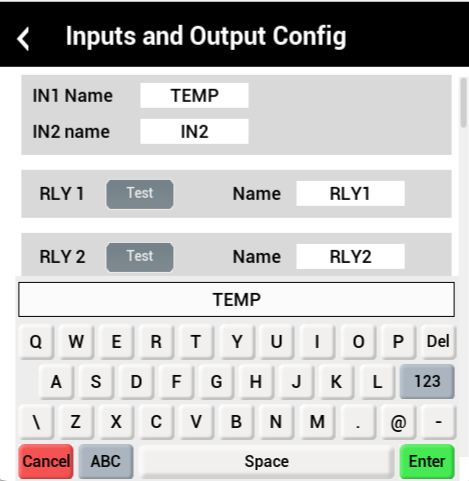
- Change the name of IN2, RLY1 and RLY2 using the same process.
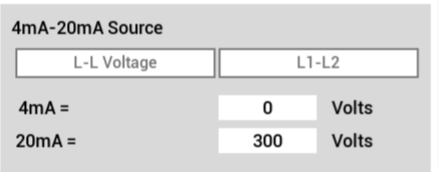
- Click on the source that you want to measure on your output (options are L-L Voltage and L1-L2).
- Set 4-mA to the lowest value (most cases are 0) and set 20mA to the maximum value.