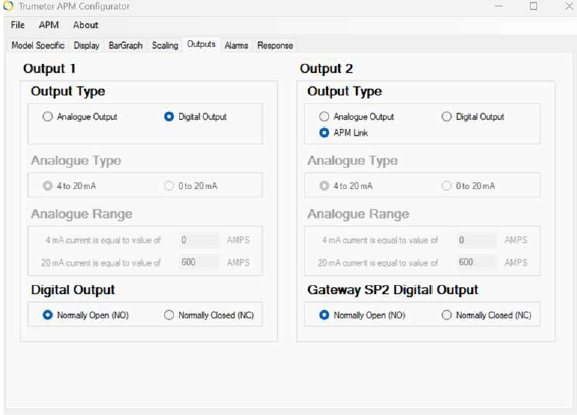
The APM Display allows you to configure outputs as either digital or analogue, depending on your application needs. Digital outputs are best for simple on/off signaling, such as alarms or relays, while analogue outputs provide proportional data for monitoring and control systems. View the digital output instructions here.
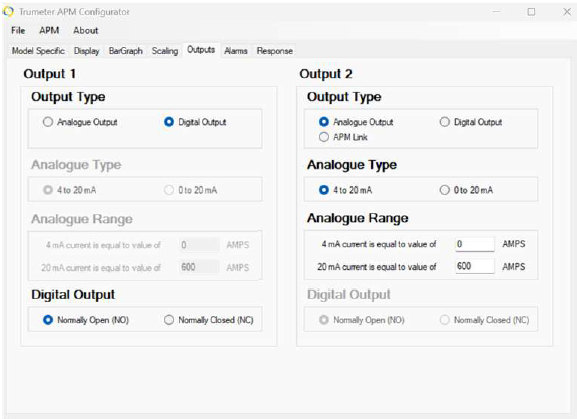
Analogue Output
| Key Specs | |
|---|---|
| Output Type: | Current source (4mA and 20mA) |
| Max loop resistance: | 250 ohms |
| Scalable analogue range: | Users define what 4mA and 20mA represent (e.g., 4mA = 0V, 20mA = 600V). |
| Configuration Steps | |
|---|---|
| Step 1: | Open the APM Configurator and set the analogue range according to your system requirements. |
| Step 2: | Connect the output to the receiving device, ensuring that its input resistance does not exceed 250 ohms. |
| Step 3: |
Verify that the input scaling matches your monitoring or automation system. |
| Using the APM Link | |
|---|---|
|
|