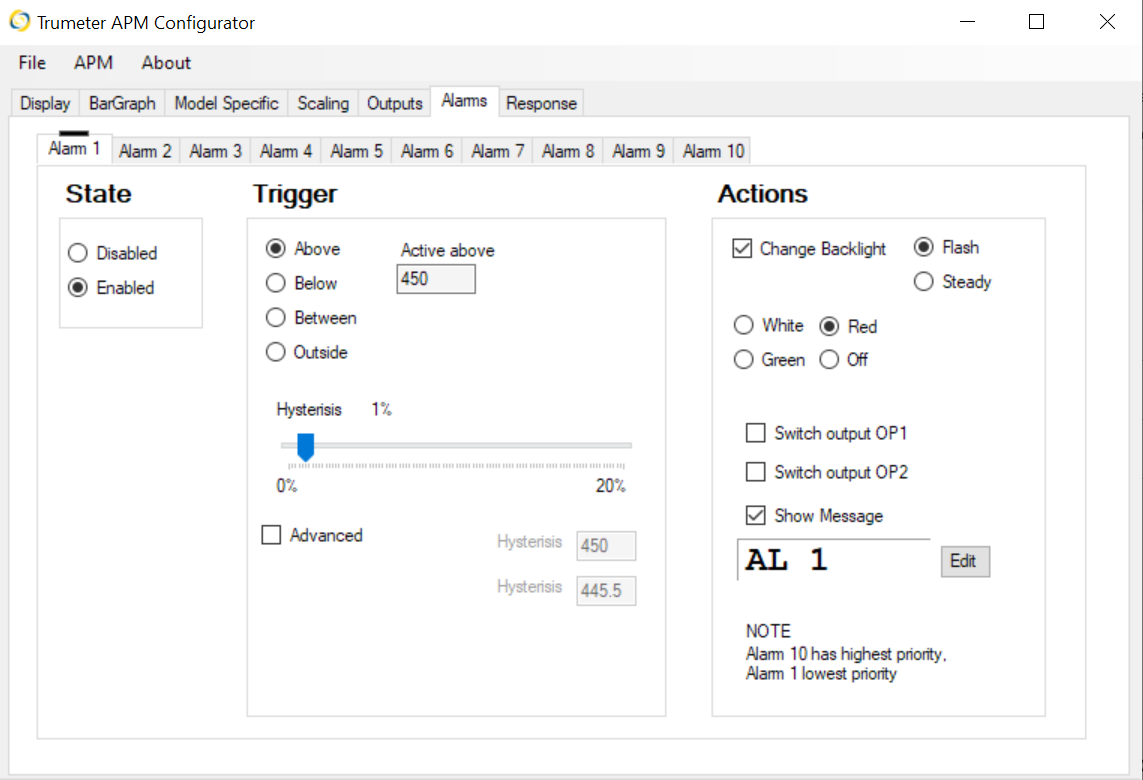
The APM Configurator software allows you to configure the backlight in the following ways:
- Be on and only go off when a specific condition is met
- Be on and flash when a specific condition is met
- Be on and change color when a specific condition is met
- Be off and only turn on when a specific condition is met
- Be off and flash on when a specific condition is met.
To configure the backlight:
- Go to the Alarms menu.
- For each alarm, use the Actions section on the right side of the screen to select the desired configuration.